
Bauble Bar Tote Bag Dupe
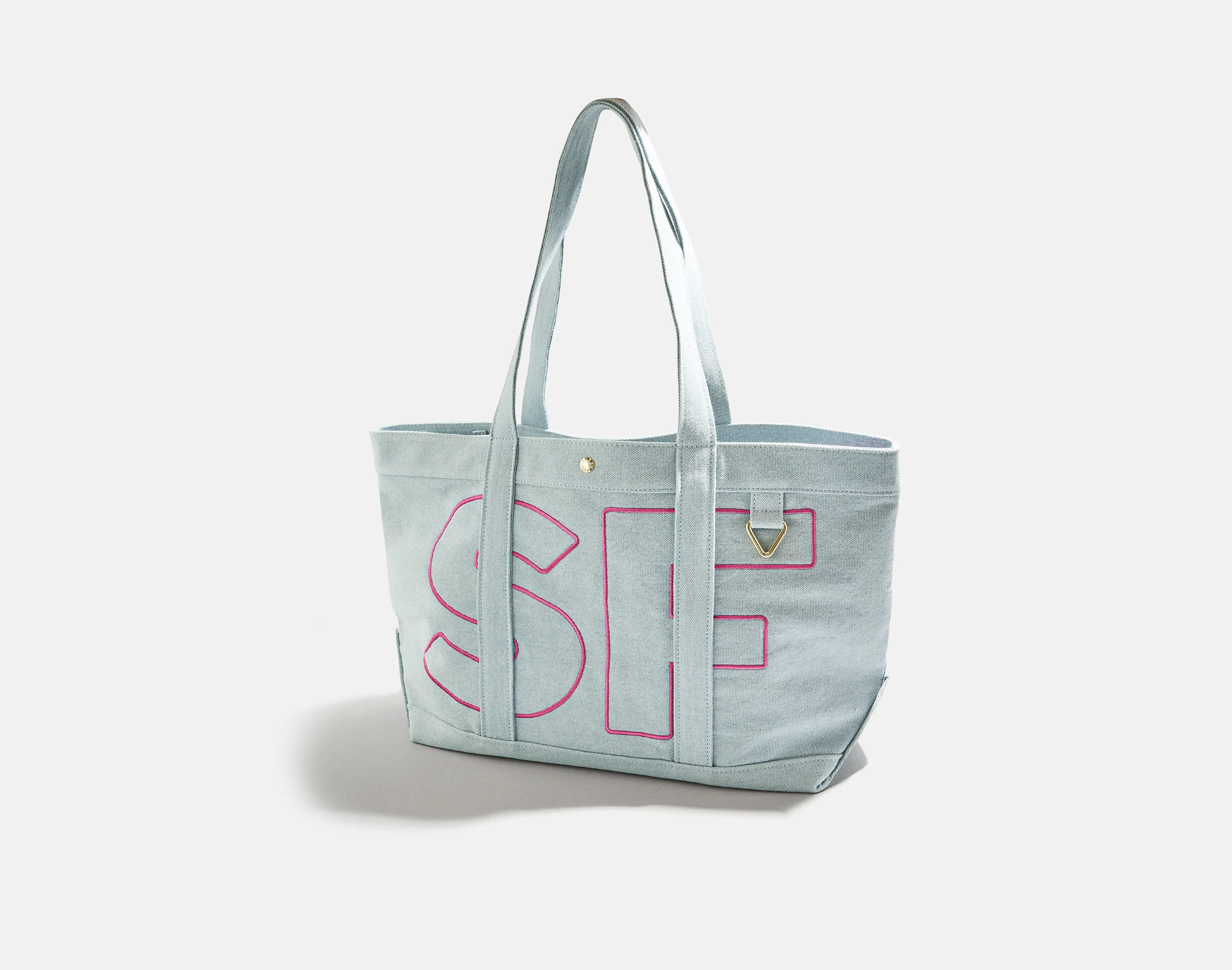
I loved the look of this custom alpha tote but didn’t love the $98 price tag. Instead, I recreated it using my Brother ScanNCut, a $12 tote bag, and flock heat transfer vinyl. The total cost to make this bag came out to about $15, and the best part is that I was able to customize it exactly how I wanted. By creating an offset outline around the letters in Brother CanvasWorkspace, I achieved that bold, stitched-look effect—without embroidery. This is a great project if you want a high-end, personalized look using tools you may already have at home.
MATERIALS
Tote
WATCH TUTORIAL HERE
How to Set Up Your Design in Brother CanvasWorkspace
(Creating an Offset Line – 40% Offset)
Open Brother CanvasWorkspace
Log into Brother CanvasWorkspace on your computer or tablet and open a new canvas.Add Your Text
Select the Text tool and type your letter(s).
Choose a bold font for best results—thicker fonts work better when adding an offset.Adjust Text Size
Resize your text to fit the front of your tote bag. (I used 10 inches in height)
(Tip: Measure your tote first so you know your max width and height.)Create the Offset Line
Select your text
Click Edit → Offset
Set the offset to 40%
Apply the offset
This creates an outline around your letter, giving that raised, statement look.
Mirror the Design
Since you’re using heat transfer vinyl, be sure to mirror your design before cutting.Send to ScanNCut
Send the file to your Brother ScanNCut and cut your flock vinyl using the appropriate HTV blade settings.Weed and Press
Weed away excess vinyl, position your design on the tote, and heat-press according to your vinyl’s instructions.